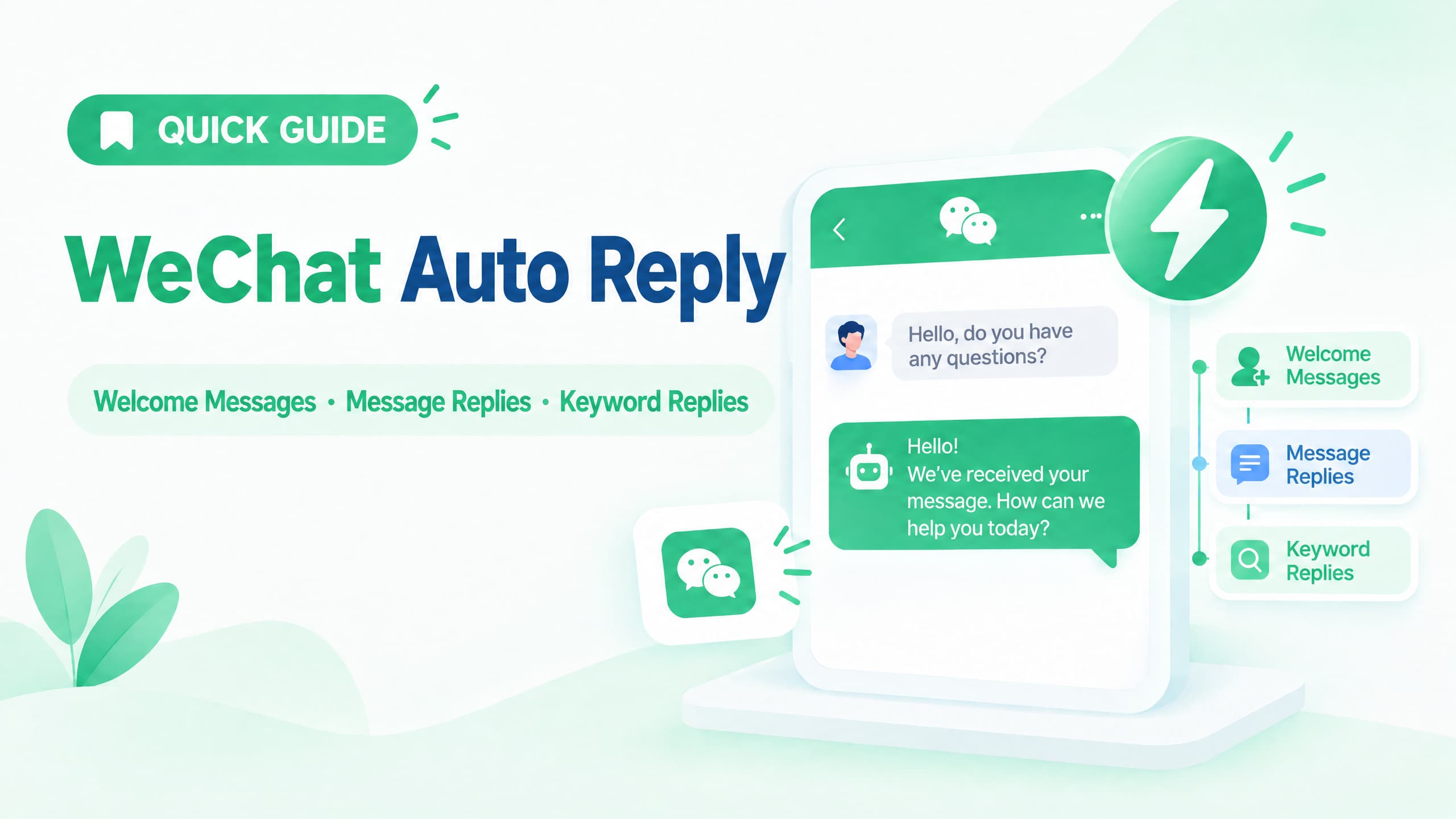
WeChat Official Accounts support built-in auto-reply features, including welcome messages, message-received replies, and keyword-based replies. These features let businesses automatically respond to common customer questions, such as pricing, products, shipping, and support, without manually answering every message.
To set them up, log in to the WeChat Official Account management platform and open the Auto Reply section. From there, you can configure followed messages, message-received replies, and keyword auto replies. The exact interface may change as WeChat updates its platform.
This guide explains how WeChat auto reply works, how to set it up, how keyword matching works, and when you may need a more advanced customer service workflow.
What Is WeChat Auto Reply?
WeChat auto reply is a rule-based feature that automatically sends a predefined response when a user takes a specific action on a WeChat Official Account.
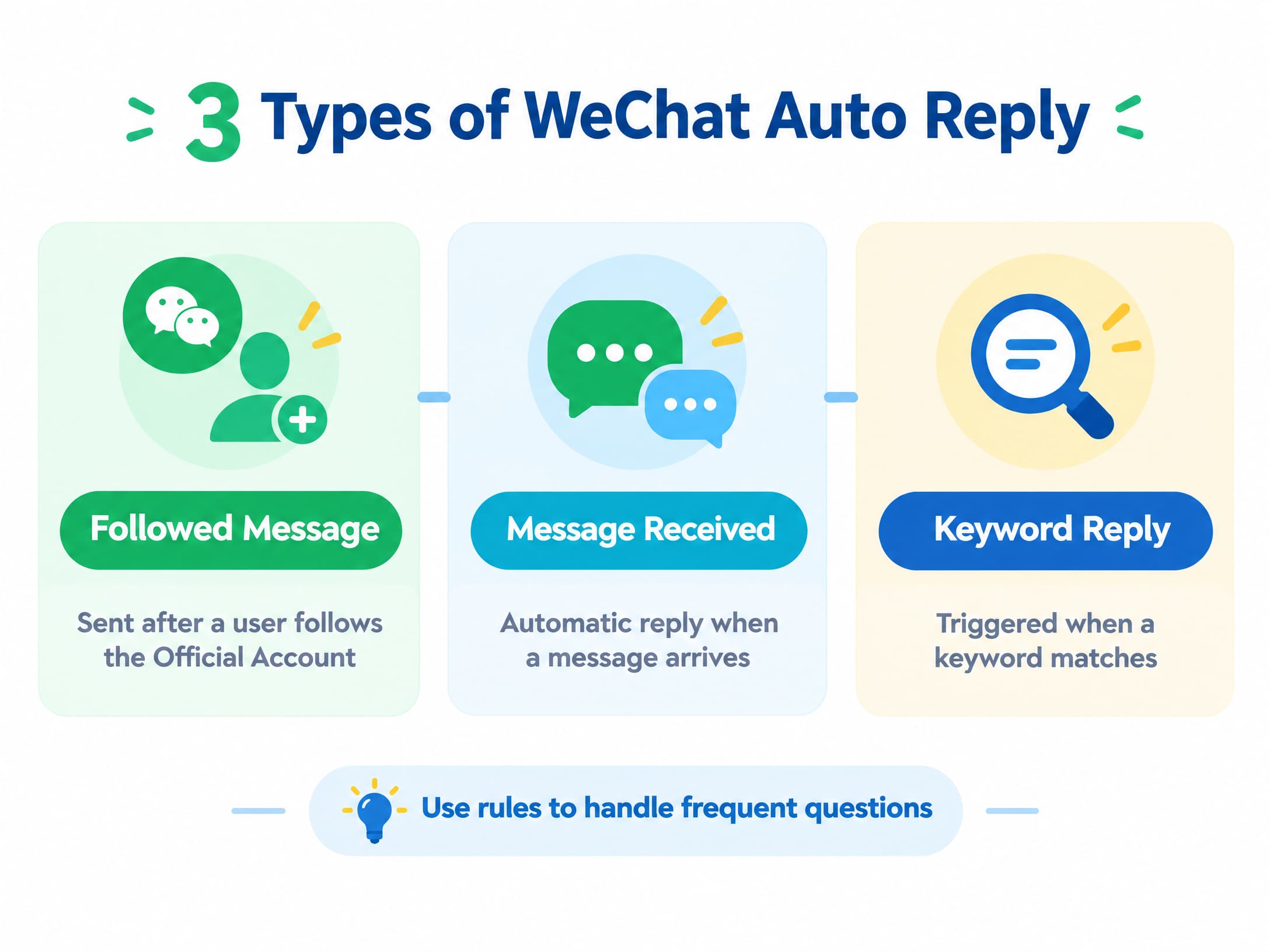
The main types include:
l Followed messages: sent when a user follows the Official Account
l Message-received replies: sent when a user sends a message
l Keyword auto replies: triggered when a message matches configured keywords
These features are useful for recurring customer interactions such as:
l Pricing questions
l Product inquiries
l Shipping questions
l Business hours
l Order support
l Basic lead collection
Instead of answering the same questions manually, businesses can create predefined rules for common customer requests.
What Types of WeChat Auto Reply Are Available?
1. Followed or Welcome Message
A followed message is automatically sent when someone follows a WeChat Official Account.
A simple welcome message could be:
Thanks for following us. Reply with “PRICE” for product pricing or “SUPPORT” if you need help.
The goal is not to explain everything about your business. A good welcome message gives the new follower a clear next step.
2. Message-Received Auto Reply
A message-received reply is a general automatic response to incoming messages.
For example:
Thanks for your message. Our team will get back to you during business hours. For product information, reply with “PRODUCT.”
This type of response can be useful when a customer sends a message that does not match a specific keyword rule.
Depending on the configuration, a keyword rule can take precedence when the incoming message matches a configured keyword.
3. Keyword Auto Reply
Keyword auto reply lets you create rules based on specific words or phrases.
For example:
Customer message | Keyword | Automatic reply |
“How much is the Pro plan?” | price | “You can view current pricing here...” |
“Where is my order?” | order | “Please send your order number...” |
“I need help” | support | “Tell us what you need help with...” |
“Shipping to Japan?” | shipping | “We currently ship to...” |
Keyword matching can support different matching methods depending on the account and configuration, including full and partial matching.
The most useful keyword rules are based on the language customers actually use, rather than only on your company's internal terminology.
How to Set Up WeChat Auto Reply
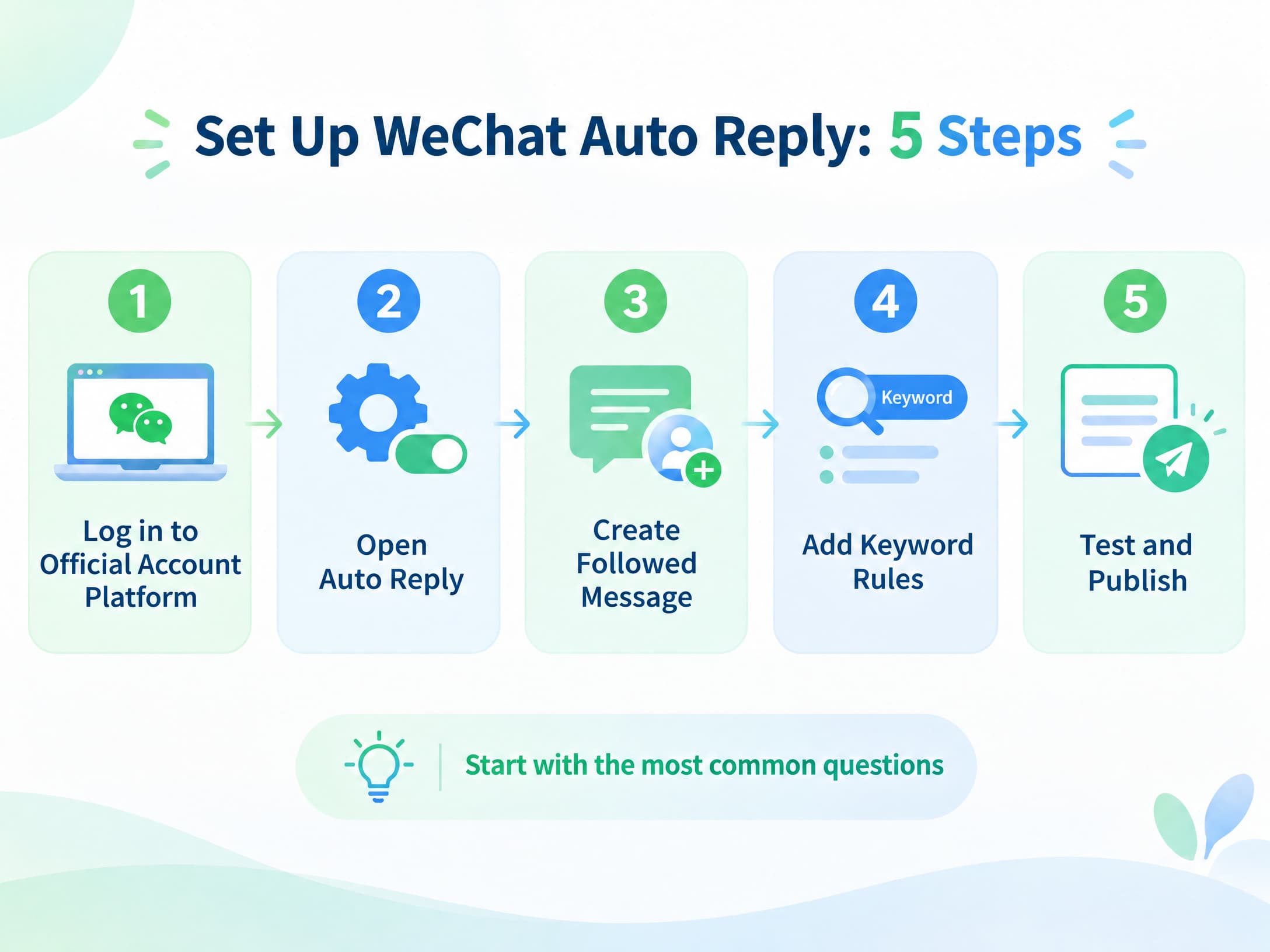
The interface can change over time, but the basic process for a WeChat Official Account is straightforward.
Step 1: Log In to the WeChat Official Account Platform
Open the WeChat Official Account management platform and select the account you want to configure.
Make sure you are editing the correct account before changing any automation rules.
Step 2: Open the Auto Reply Section
Find Auto Reply in the account management interface.
Depending on the current version of the platform, you may see options related to:
l Followed Message
l Message Received
l Keyword Auto Reply
The exact labels and navigation may change with platform updates.
Step 3: Create the Followed Message
Create the message that users receive after following your account.
A simple structure is:
Welcome → what you offer → next action
For example:
Welcome to [Brand]. For product information, reply “PRODUCT.” For support, reply “HELP.”
Keep the message short. A new follower should immediately understand what they can do next.
Step 4: Create Keyword Rules
Create rules for the questions customers ask most often.
Depending on the available settings, a keyword rule can include:
1. Rule name
2. Keywords
3. Matching method
4. Reply content
5. Supported media or rich content
For example:
Rule: Pricing
Keywords: price, pricing, cost, plans
Reply: Link to your current pricing information
Start with the questions customers ask most frequently. You can add more rules after reviewing real conversations.
Step 5: Configure the General Message Reply
Set a general response for messages that do not match your specific keyword rules.
For example:
Thanks for reaching out. Please leave your question and our team will help during business hours.
The fallback should give customers a useful next step rather than simply saying that their message was not understood.
Step 6: Test the Rules
Test the automation before relying on it for customer communication.
Try:
l Exact keyword matches
l Partial keyword matches
l Different ways of asking the same question
l Messages that should not trigger a rule
l Messages that should receive the general reply
Testing natural customer language is important because customers rarely phrase questions exactly the way a business expects.
What Can WeChat Auto Reply Send?
The available response formats depend on the account and configuration, but WeChat auto-reply integrations commonly support formats such as:
l Text
l Images
l Voice or audio
l Video
l Articles or other rich content
For example, instead of replying to a product question with plain text only, an automated response could direct the customer to a relevant article or other supported content.
For more advanced use cases, businesses can connect WeChat with external systems or messaging platforms. The exact capabilities depend on the account type and integration.
How Does WeChat Keyword Auto Reply Work?
Keyword automation is based on predefined matching rules.
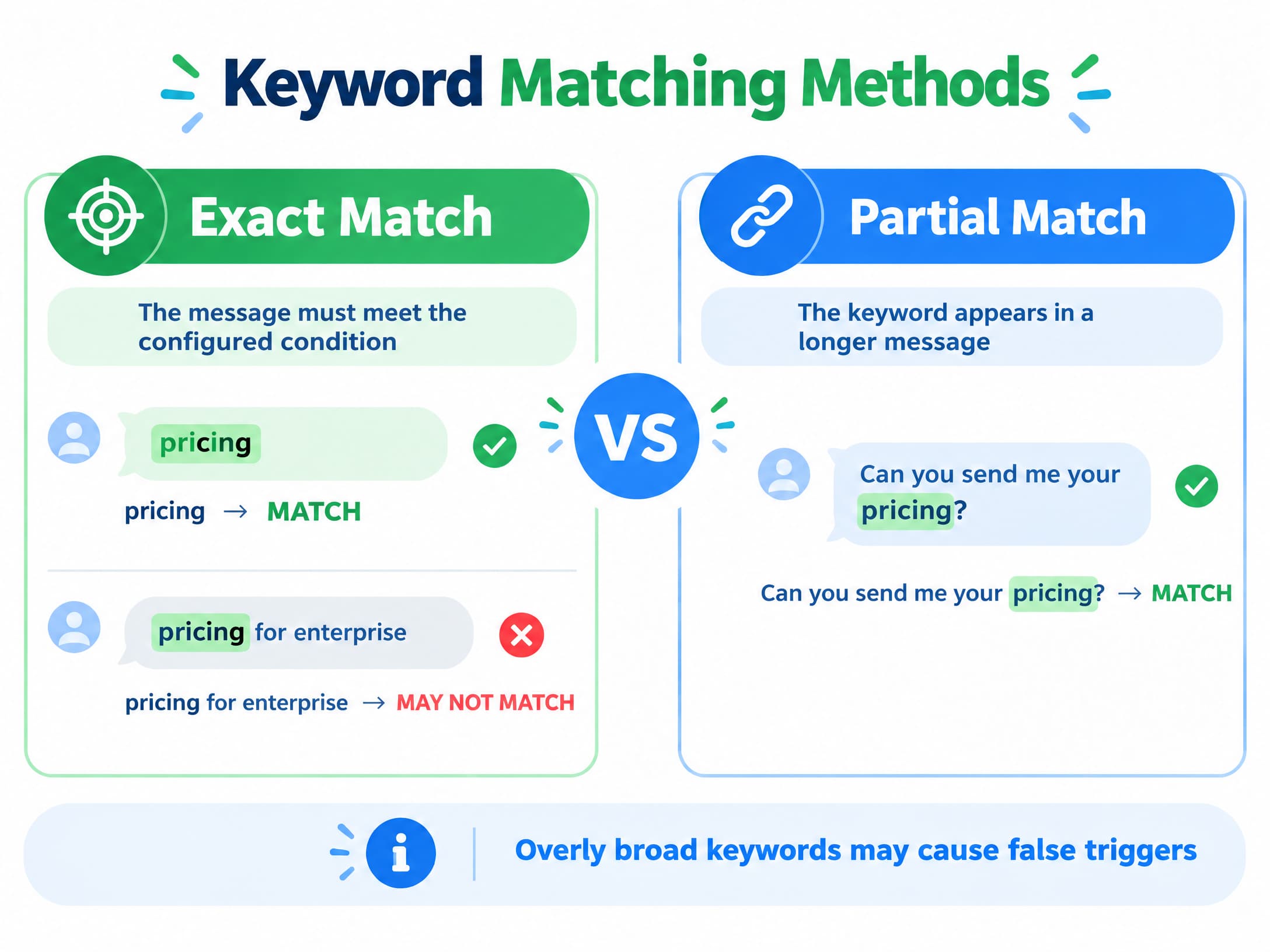
Exact or Full Matching
With full matching, the customer's message must meet the configured keyword condition.
For example:
Keyword: pricing
A message containing only “pricing” may match the rule, while “pricing for enterprise” may not, depending on the implementation.
Partial Matching
With partial matching, the keyword can appear within a longer customer message.
For example:
Keyword: pricing
A message such as:
“Can you send me your pricing?”
may match the rule.
Partial matching is more flexible, but overly broad keywords can also create unwanted matches.
Multiple Keywords
You can group several terms around the same customer intent.
For example:
price / pricing / cost / plans / subscription
This makes the automation more tolerant of different ways customers ask the same question.
Fallback Responses
Not every customer will use one of your predefined keywords.
A fallback or general message response can:
l Ask the customer to provide more information
l Direct them to a relevant article
l Explain when a human agent will respond
l Provide another contact method
l Transfer the conversation to customer support when an integration supports it
The goal is not to automate every possible conversation. It is to make sure common questions have a clear path to an answer.
WeChat Auto Reply Examples for Businesses
Customer Service
Keyword: support
Tell us what you need help with and include your order number if you have one. We’ll take a look.
Product Questions
Keyword: product
Looking for a specific product? Reply with the product name and we’ll send the relevant information.
Pricing
Keyword: price
You can view our current plans here. If you’re not sure which option you need, tell us how you plan to use the service.
After-Hours Support
Thanks for your message. Our support team is currently offline. We’ll reply during business hours.
Lead Collection
Interested in a demo? Reply with your company name and what you’re looking for, and our team will follow up.
These examples are templates rather than fixed formulas. The most effective automated replies are usually short, specific, and connected to a clear next action.
WeChat Official Account vs. Personal WeChat Auto Reply
Official Accounts and personal WeChat accounts should not be treated as the same thing when discussing business automation.
Feature | WeChat Official Account | Personal WeChat |
Native business auto reply | Yes | No equivalent native business system |
Followed/welcome messages | Yes | No equivalent native feature |
Keyword auto replies | Yes | No equivalent native feature |
Business automation | Available through native features and integrations | Depends on third-party tools |
CRM and workflow integration | Available through supported integrations | Depends on the tool and integration |
The important distinction is that the auto-reply functions described in this article are Official Account features. They should not be assumed to work the same way on a standard personal WeChat account.
Third-party tools for personal-account automation may exist, but they are separate from WeChat's native Official Account automation and can have different technical, security, and compliance considerations.
WeChat Auto Reply vs. AI Chatbot
Traditional auto reply and AI chatbots solve different problems.
Traditional Auto Reply | AI Chatbot | |
How it works | Predefined rules | Generates responses based on context and instructions |
Best for | Predictable questions | More varied or open-ended conversations |
Setup | Keywords + fixed replies | Knowledge base + instructions + workflows |
Consistency | High | Depends on configuration |
Flexibility | Limited | Higher |
Human handoff | Usually rule-based | Can be built into the workflow |
Traditional auto reply is useful when customer questions are predictable.
An AI chatbot is more suitable when customers ask questions in many different ways or when conversations require context across multiple messages.
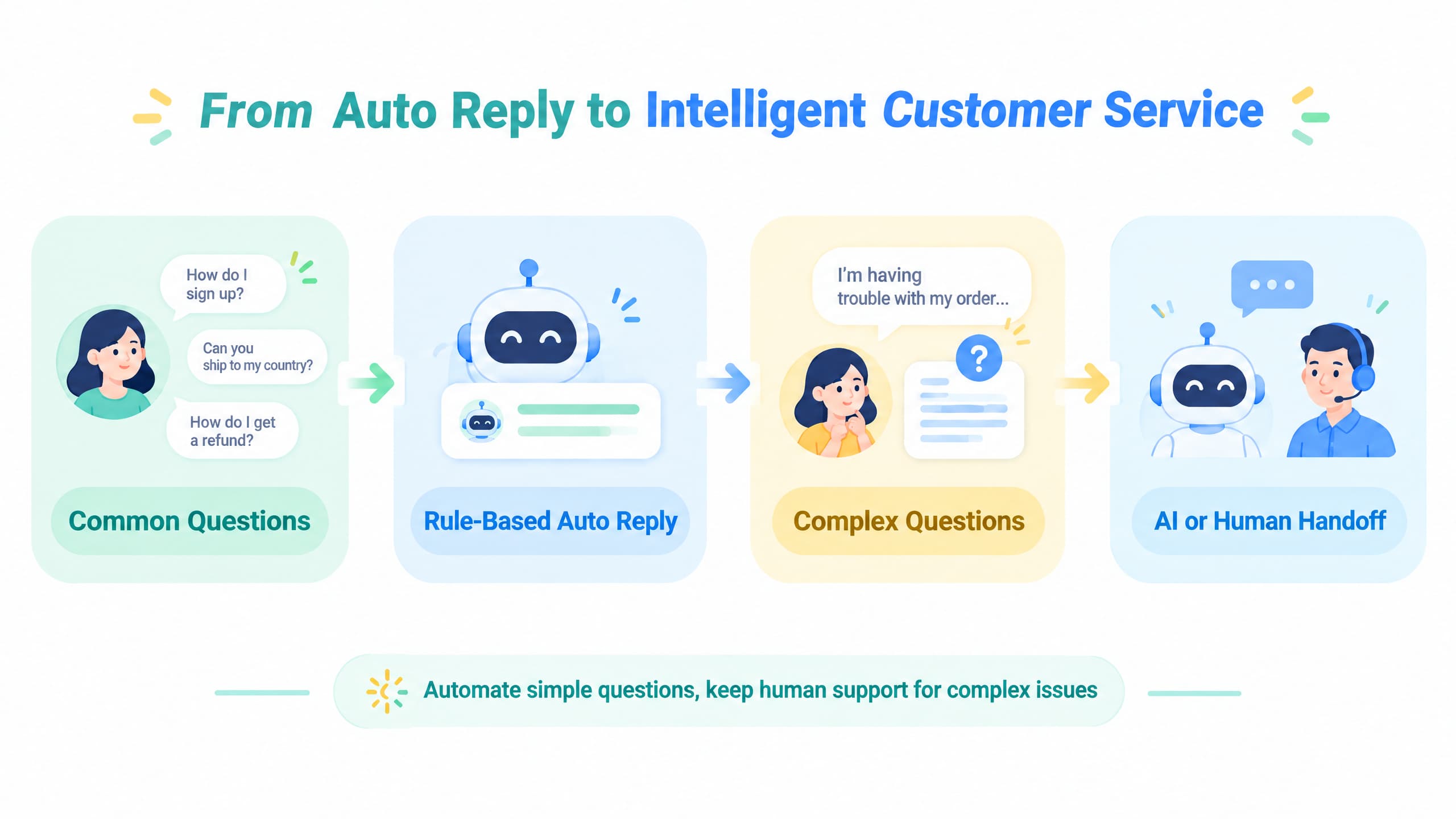
A business can also combine the two:
Simple question → automatic reply
More complex question → AI or human agent
Sensitive or high-value request → human handoff
The right approach depends on how predictable the customer conversations are and how much automation the business needs.
When Built-In Auto Reply Is Not Enough
Native auto-reply features work well for straightforward questions, but larger customer service operations may need additional capabilities such as:
l Conversation routing
l Customer tagging
l Lead capture
l Business-hour workflows
l Multi-channel inboxes
l Centralized conversation history
l Human handoff
At this point, the requirement is broader than a simple autoresponder.
An omnichannel customer service platform can bring conversations from multiple channels into one workspace, allowing agents to manage conversations without switching between separate apps.
Platforms such as respond.io and Sprinklr provide broader messaging, customer engagement, and workflow capabilities around WeChat and other channels. Their available WeChat functions depend on the current integration and account setup.
How to Build a More Advanced WeChat Workflow
A more advanced workflow can still be simple.
A basic model is:
Customer message → Identify intent
l Known question → Automatic answer
l Potential lead → Collect basic information
l Support issue → Route to an agent
l Unknown question → General reply or human handoff
For example, a customer might send:
“I’m interested in your enterprise plan. Can someone tell me how much it costs?”
A more advanced workflow could:
1. Recognize the request as a pricing inquiry.
2. Provide basic pricing information.
3. Ask for relevant company details.
4. Route the conversation to sales if necessary.
This is the difference between a simple keyword autoresponder and a broader customer communication workflow.
WeChat Auto Reply Best Practices
1. Start With the Most Common Questions
Do not create a keyword for every possible sentence.
Start with the questions customers ask most frequently and expand the rules based on actual conversations.
2. Use Customer Language
If customers usually say “How much?” rather than “pricing,” build your rules around the language they actually use.
This can improve matching without requiring a large number of rules.
3. Keep Automated Replies Short
A customer should be able to understand the response quickly.
A useful structure is:
Answer → relevant information → next step
4. Give Customers a Clear Next Step
Every automated response should tell the customer what they can do next.
For example:
1. Reply with another keyword
2. Provide an order number
3. Open an article
4. Leave additional information
5. Wait for a human response
5. Avoid Overly Broad Keywords
Broad keywords can trigger irrelevant responses.
Review your rules periodically and check whether customers are receiving the wrong answer.
6. Make Human Handoff Easy
Automation should handle repetitive questions without trapping customers in an automated loop.
If someone has a complicated support issue, there should be a clear way to reach a person when your workflow supports human handoff.
7. Keep Information Up to Date
Review automated messages whenever important business information changes.
This includes:
l Pricing
l Business hours
l Shipping policies
l Promotions
l Product information
l Support procedures
An outdated automated response can create more problems than it solves.
8. Test From the Customer's Perspective
Do not only check whether a rule technically triggers.
Read the complete conversation as a customer would.
Ask:
l Is the response clear?
l Does it answer the question?
l Is the next step obvious?
l Can the customer reach a human if necessary?
This gives you a better measure of whether the automation actually works.
Frequently Asked Questions
Does WeChat have an auto-reply feature?
Yes. WeChat Official Accounts support automatic responses, including followed messages, message-received replies, and keyword-based auto replies.
Can I set a keyword auto reply on WeChat?
Yes. On supported WeChat Official Accounts, you can create keyword rules and configure the response associated with those rules. Keyword matching can support different matching methods depending on the account and integration.
Where do I set up WeChat auto reply?
For an Official Account, open the WeChat Official Account management platform and look for the Auto Reply section. The available options and interface labels may change over time.
Can WeChat auto reply to every message?
A message-received auto reply can provide a general response to incoming messages, while keyword rules can handle specific messages. The exact behavior depends on the account configuration and matching rules.
Can WeChat auto reply with images?
Yes. Depending on the account and configuration, WeChat auto-reply integrations can support content such as text, images, voice messages, and video.
Can I automate a personal WeChat account?
The native auto-reply features discussed in this guide are for Official Accounts. Third-party personal-account automation tools are separate from those native features and may have different technical, security, or compliance considerations.
Is WeChat auto reply the same as an AI chatbot?
No.
Traditional auto reply uses predefined rules and responses. AI chatbots generate responses based on context, instructions, knowledge, and workflows.
They can also be used together: predefined rules can handle predictable questions while AI or human agents handle more complex conversations.
Is WeChat auto reply free?
The answer depends on the type of WeChat account, the features being used, and whether you use a third-party integration.
The native Official Account platform and third-party services can have different pricing and usage conditions, so check the current terms for the specific service you use.
Final Takeaway
WeChat auto reply is primarily a business automation feature of WeChat Official Accounts. The core options are followed messages, message-received replies, and keyword auto replies.
For a basic setup:
1. Create a clear welcome message.
2. Add keyword rules for common questions.
3. Configure a general message-received response.
4. Test exact and partial matching with natural customer language.
5. Provide a clear path to human support.
If your requirements later expand to routing, CRM integration, lead management, multi-channel conversations, or AI-assisted support, you can build additional workflows around the basic WeChat auto-reply system.
The goal is straightforward: automate repetitive questions while keeping human support available when customers need it.