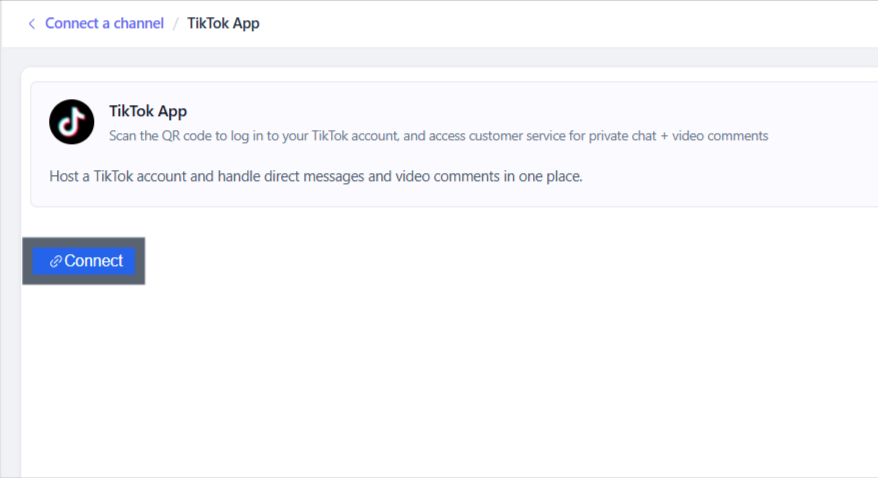
1. Log in to the Salewisely platform, and find { Integration→ Cloud-Hosted Account→TikTok APP→ Connect } in the left-side bar.
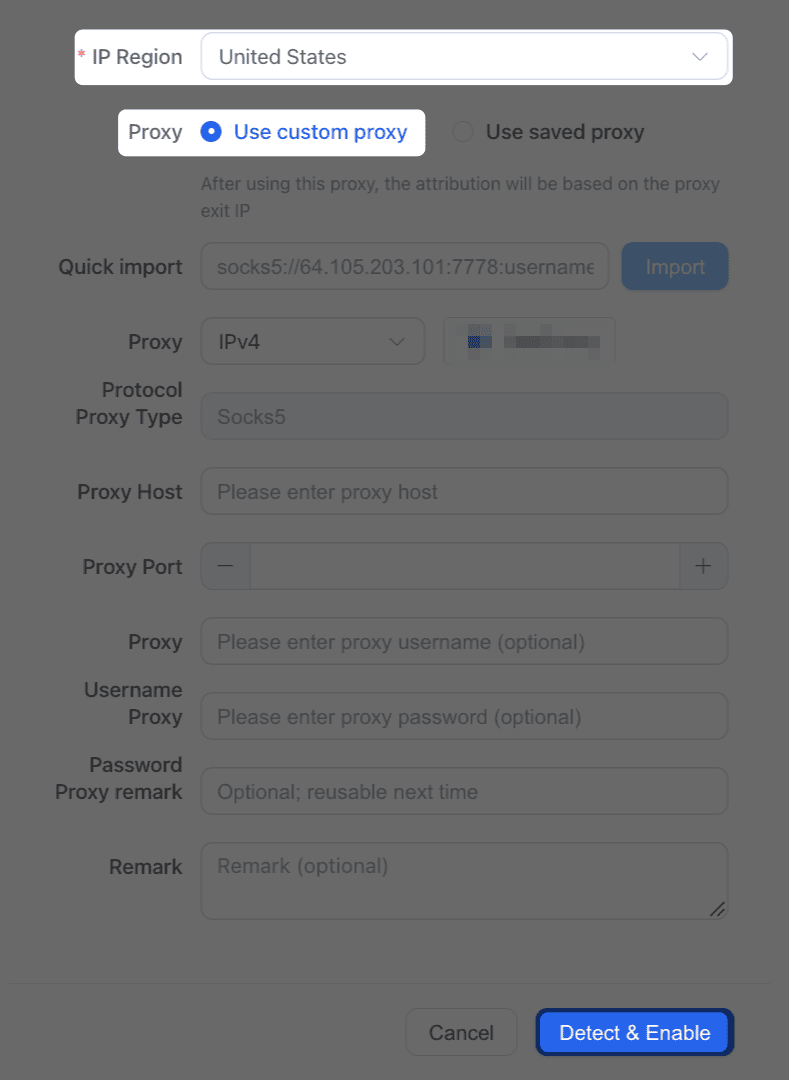
2. Select { IP region } as your account login ip. Before go { Detect & Enable }, { use custom proxy } if you need to add a proxy, copy the right {proxy credentials} in, or manually add. After importing the proxy, the account's location will be based on the proxy's outgoing IP address.
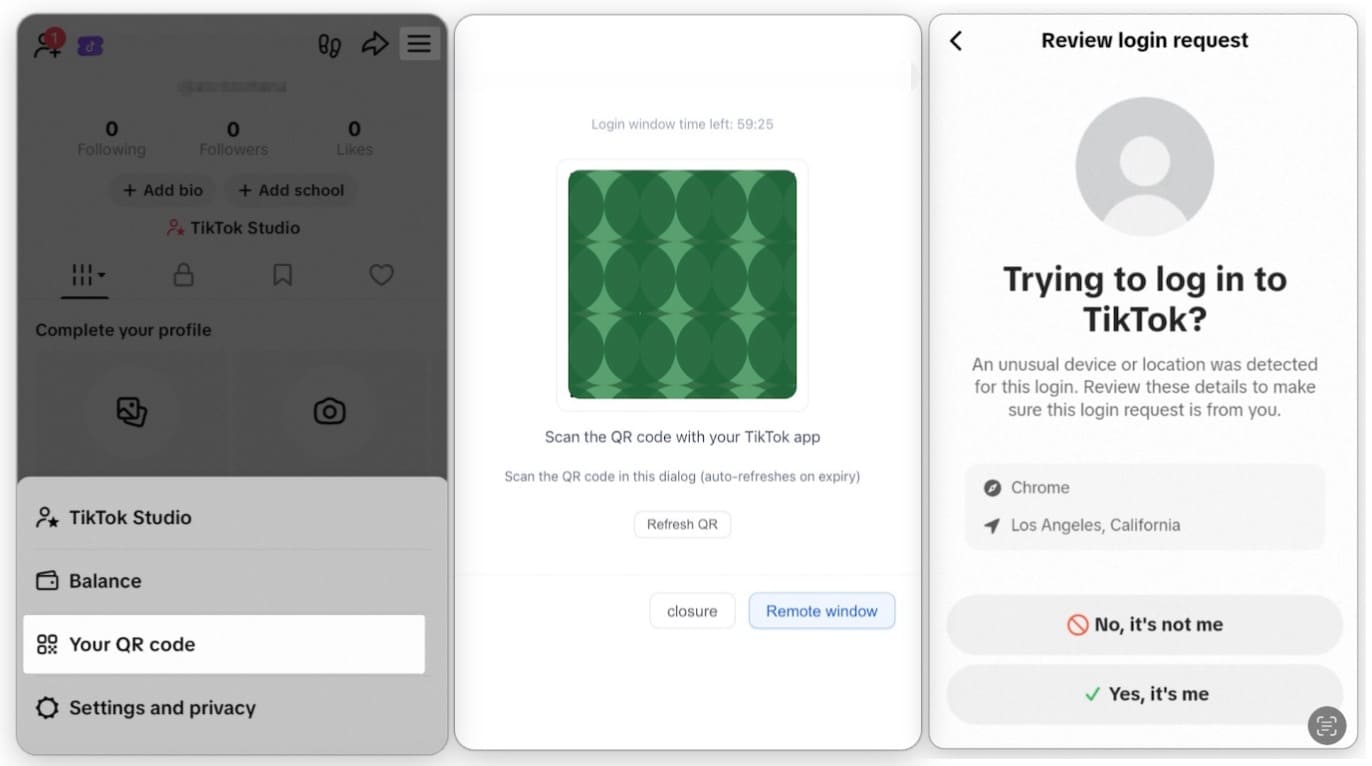
3. Follow the instructions in the image below: use your mobile phone to open the TikTok app and scan the QR code that appears to start the connection.
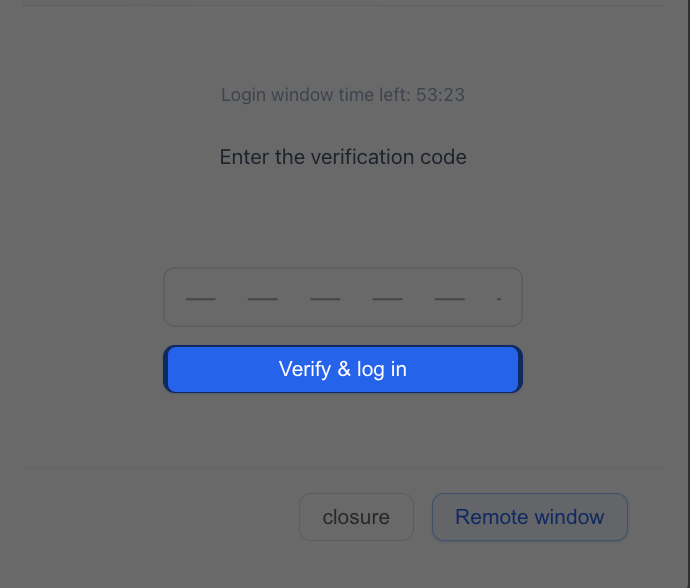
4. Afterwards, check your Code from your email account, enter the verification code, click { verify & login } to finish this connection and you will see it shown in SaleWisely.